
Commit ID: 16fc2f25
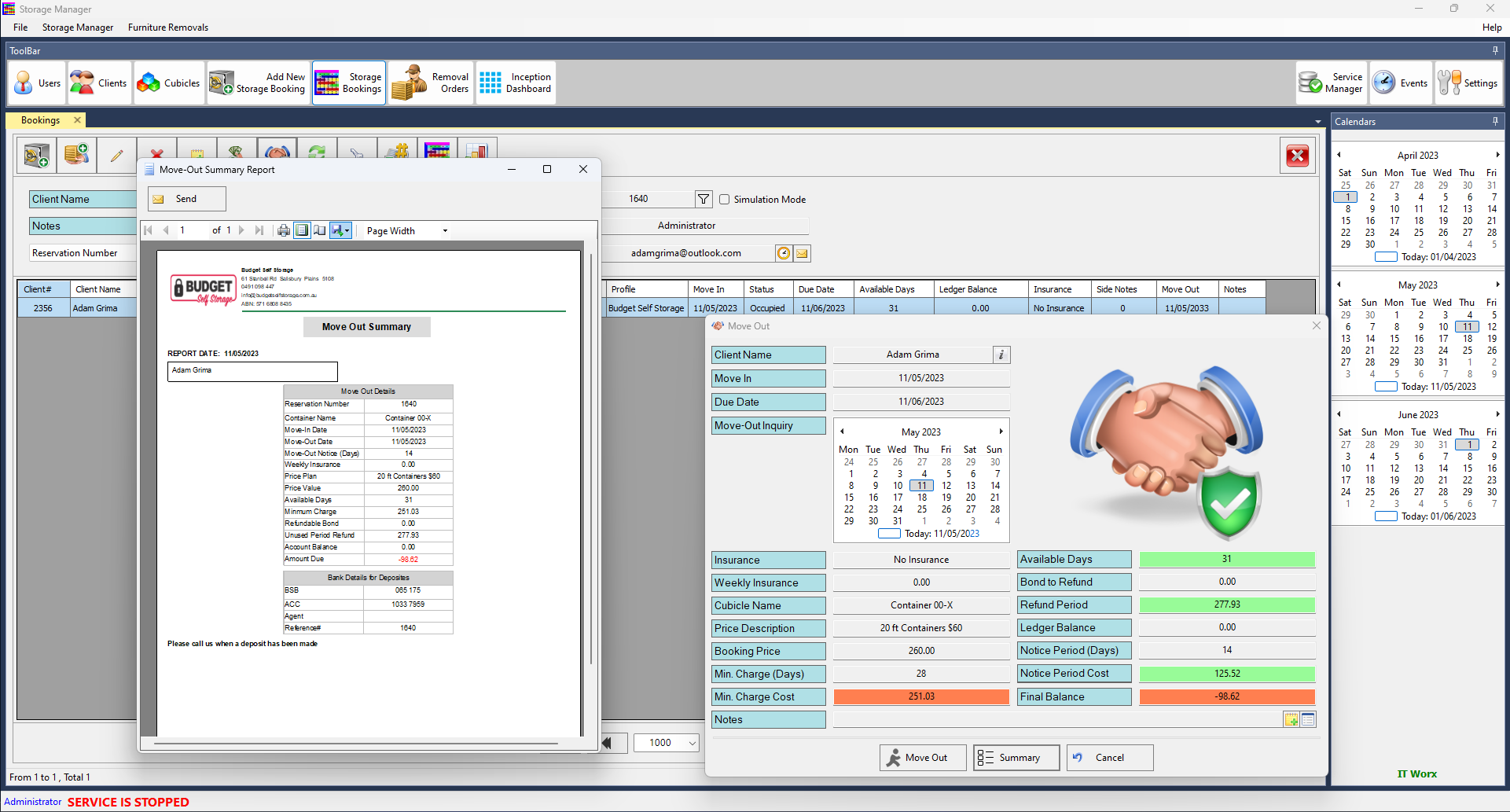
- Redesign Storage Booking Move-Out Summary.
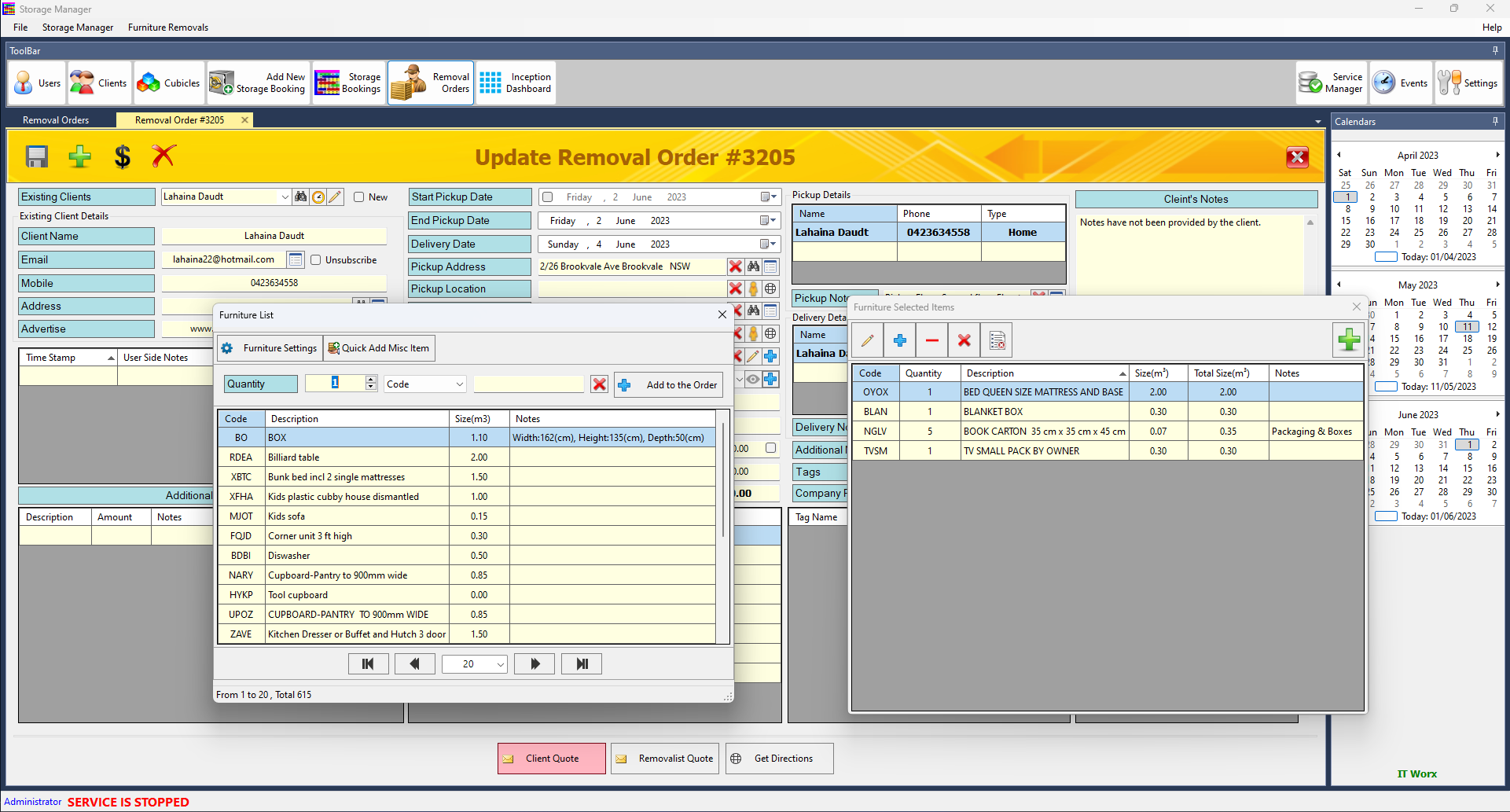
- Fix an issue of adding furniture items in the Removal Order screen when other Removal Order screen is active.
Commit ID: ff355fd5
- Add the Removalist info button to the Removal Order screen.
-
Add a custom transaction access button to the Storage Booking Ledger Screen.
- Minor bug fix.
- Performance Improvement.
Commit ID: d2bd79f4
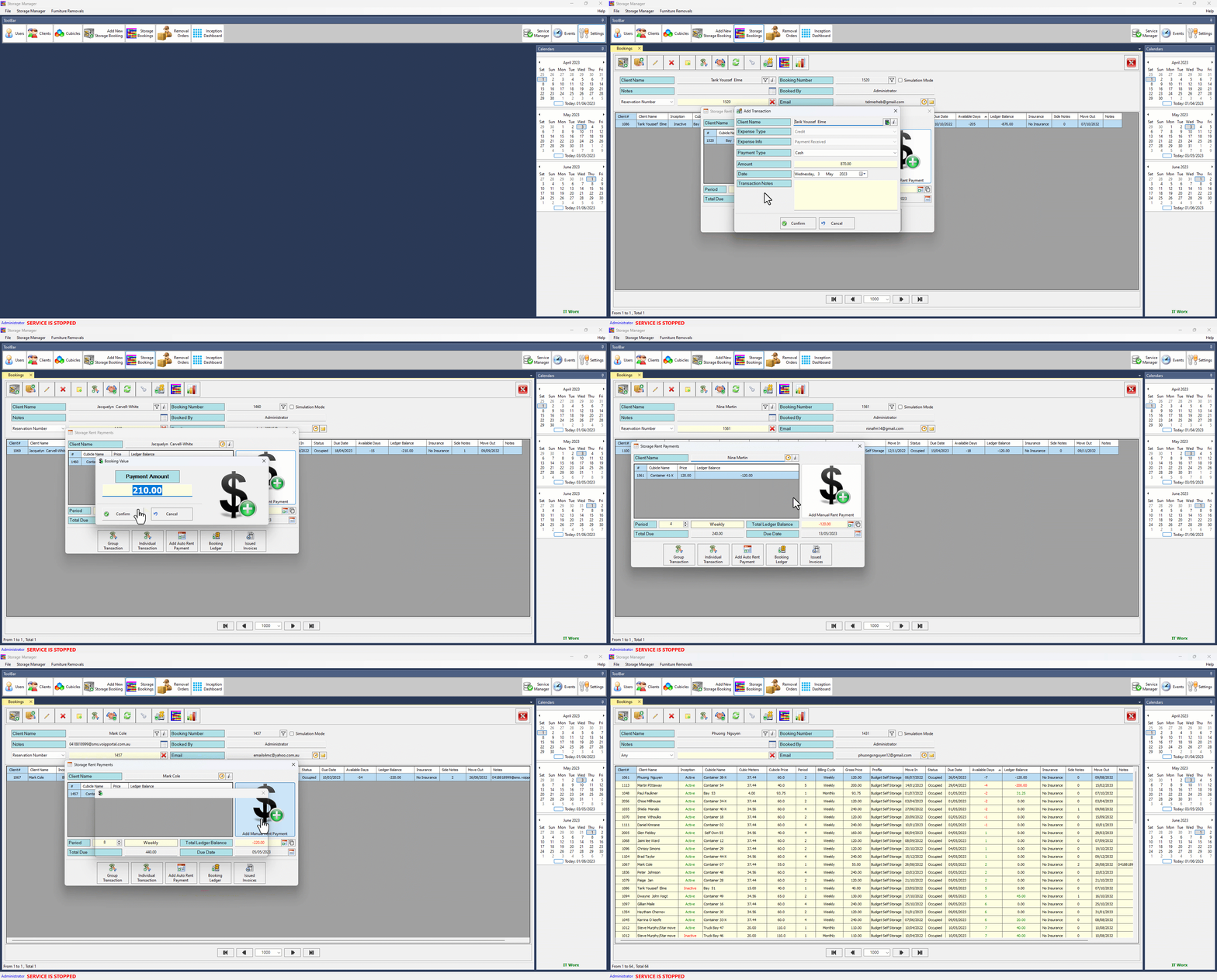
1- Saving payment method type to be the default selected payment for the following payment action.
2- Add the ability to hide/unhide measures on Furniture Item Notes section
3- Change the payment settlement for appended Cubicle Booking not to be split on all group bookings.
4- Change move-out settlement to ignore non-refunded values.
Commit ID: 23700ace
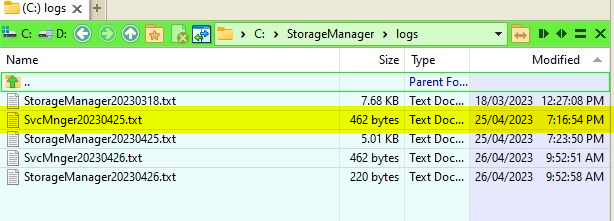
Create Service Manager standalone log file to make it easy tracking Service Manager issues.
Commit ID: 2a2920d1
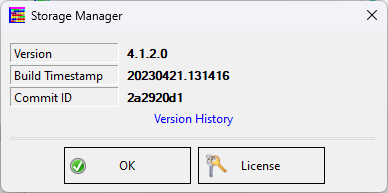
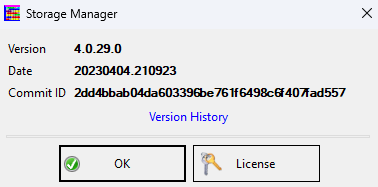
About Screen UI enhancement
Commit ID: 87c29b0c
-
Performance improvement.
- Minor bug fix.
- Add the Removalist Message History button to the Removal Order screen.
- Add Side Notes message to Removal Order when sending Job order to Removalist.
- Fix a bug testing email server setting.
- Fix a bug of not sending an editable email message using an external MS Outlook client.
- Fix a bug in switching the default email server when changing Company Profile on the Removal Order screen.
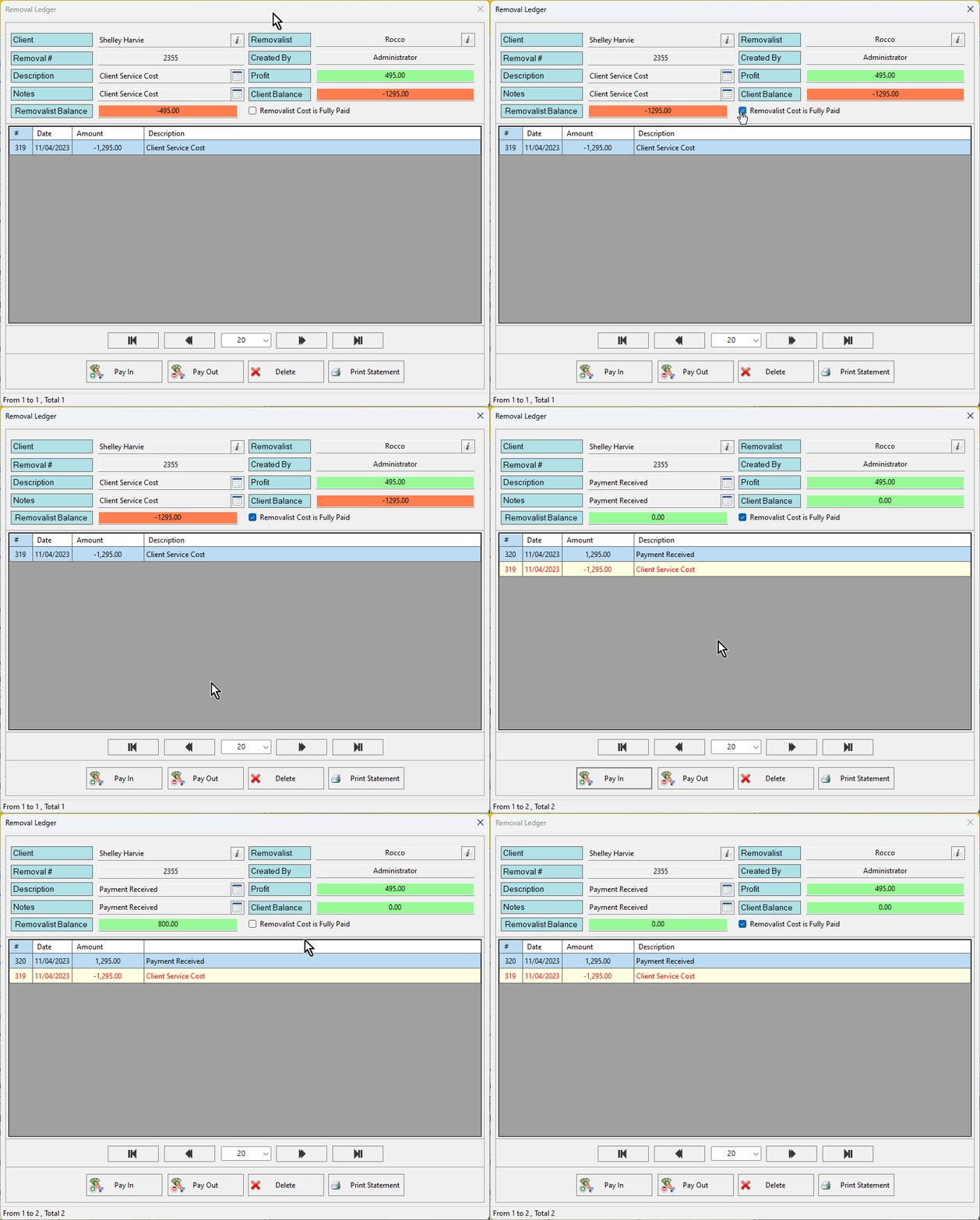
Automatically calculate Removalist Amount Due on the Removal Order Ledger screen.
Change Removal Order Toolbar buttons layout

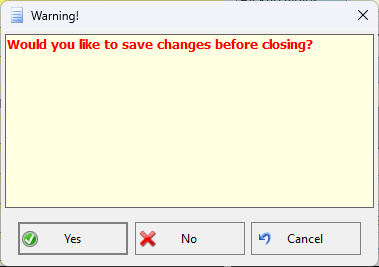
Display Save Data confirmation message when close Removal Order screen without pressing save button.
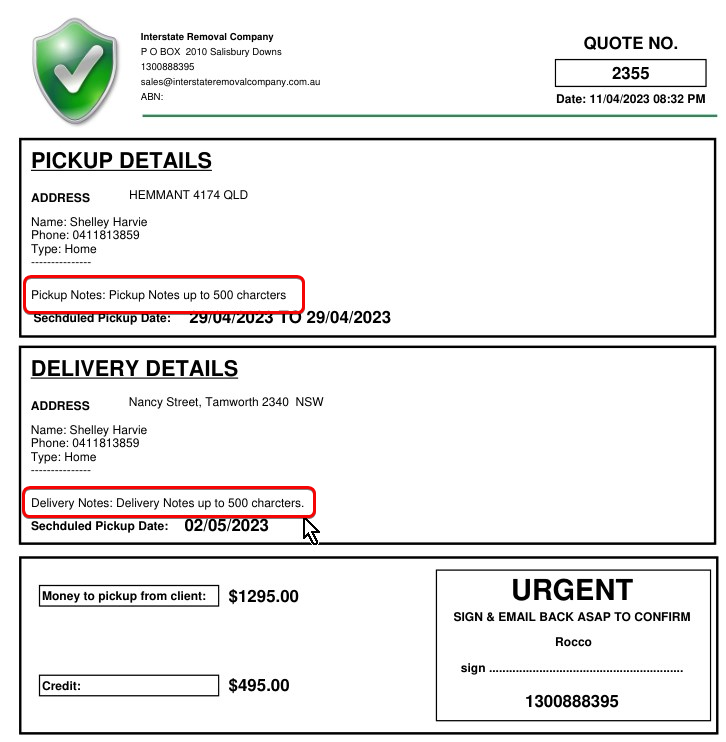
Show Pickup and Delivery Notes if there is any on the Removalist Job order, it can hold up to 500 letters.
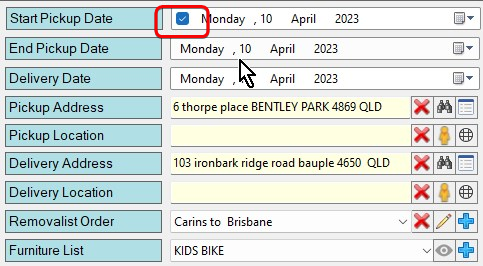
Add check box to control showing pickup and delivery dates on Client's Removal Quotation report
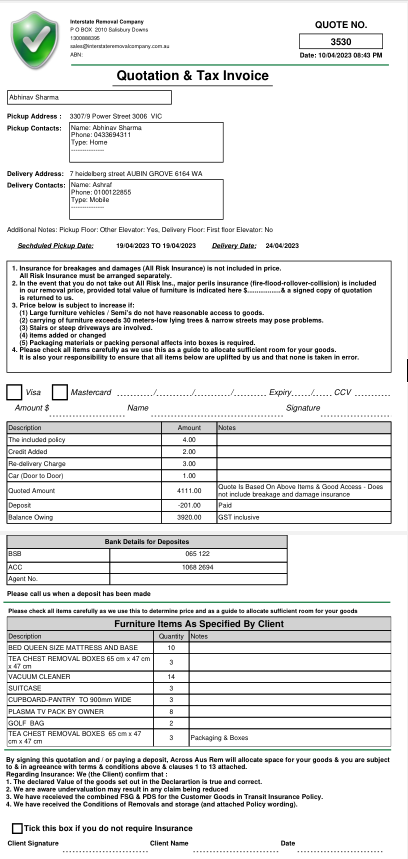
- New Design for Removal Client Quote.
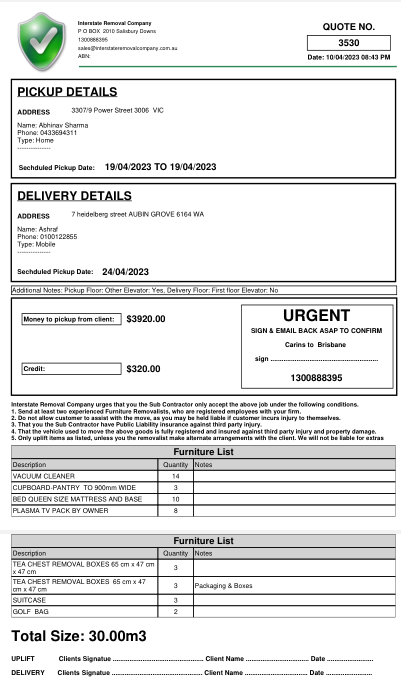
- New Design for Removalist Job Order.
- Fix a bug saving removal order pickup and delivery contact details.
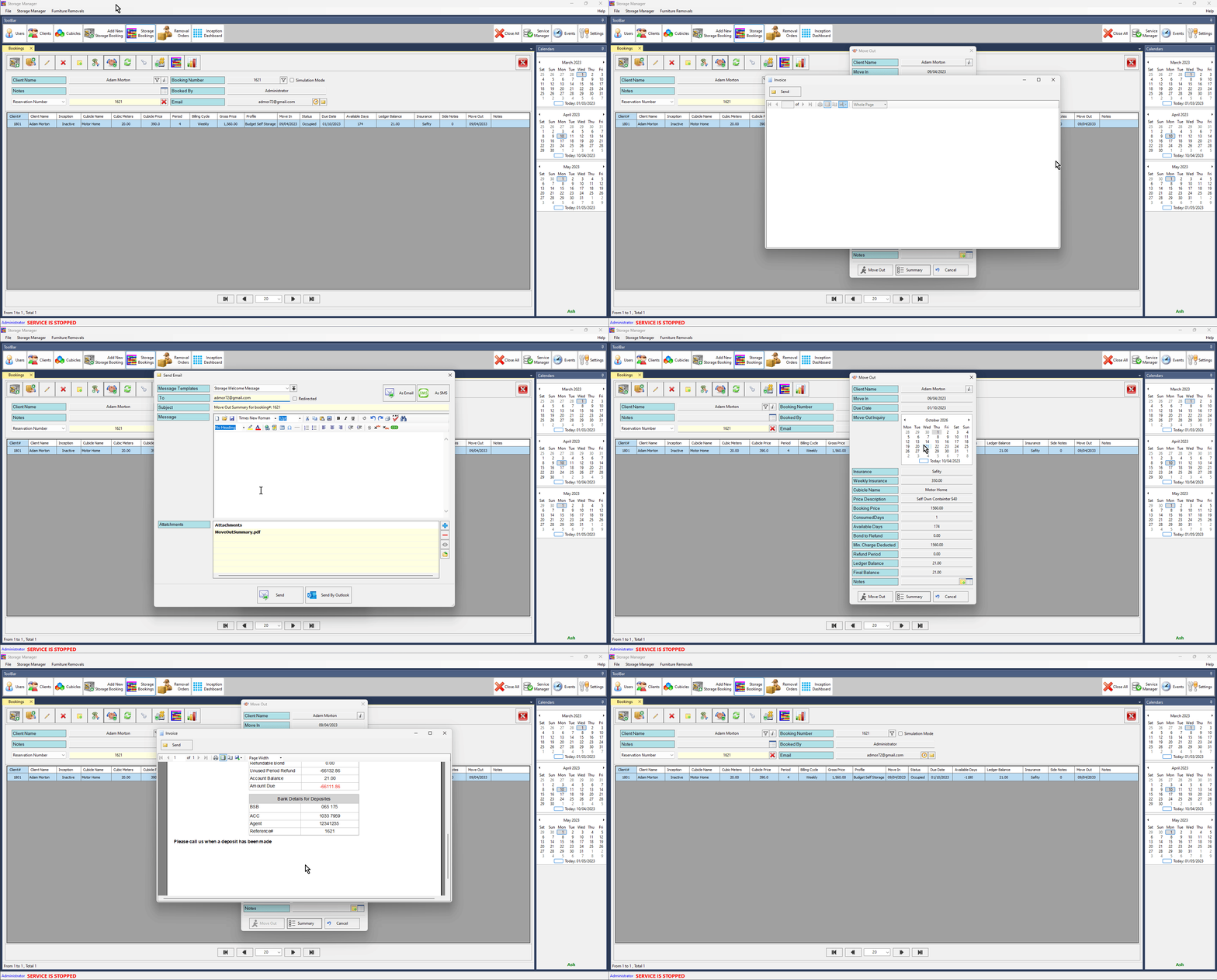
Add a feature to generate Move-Out summary report.
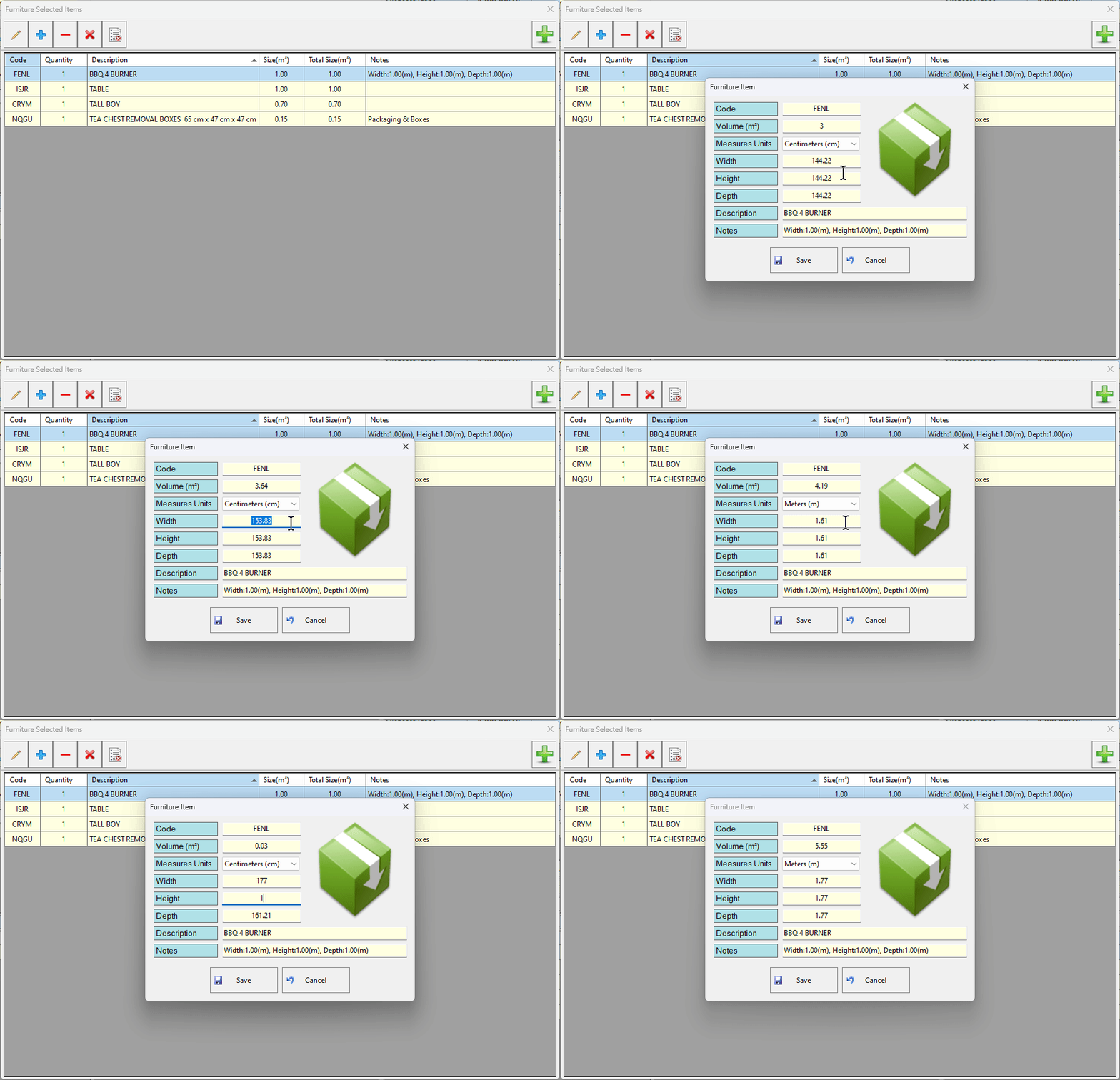
Add a feature of editing a selected furniture item on the fly, the edit screen will allow the user to change item volume or measures
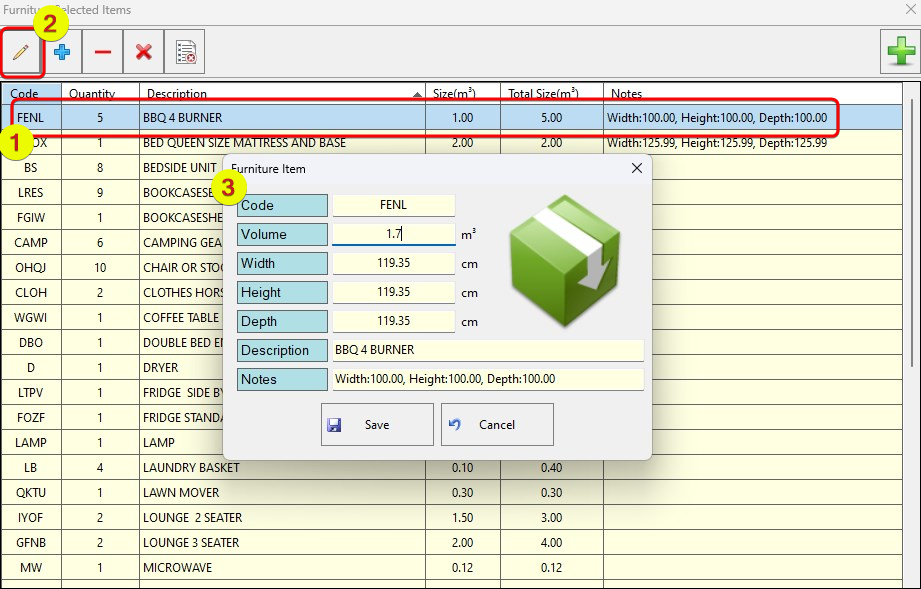
Automatically append item measures to the furniture item notes section.
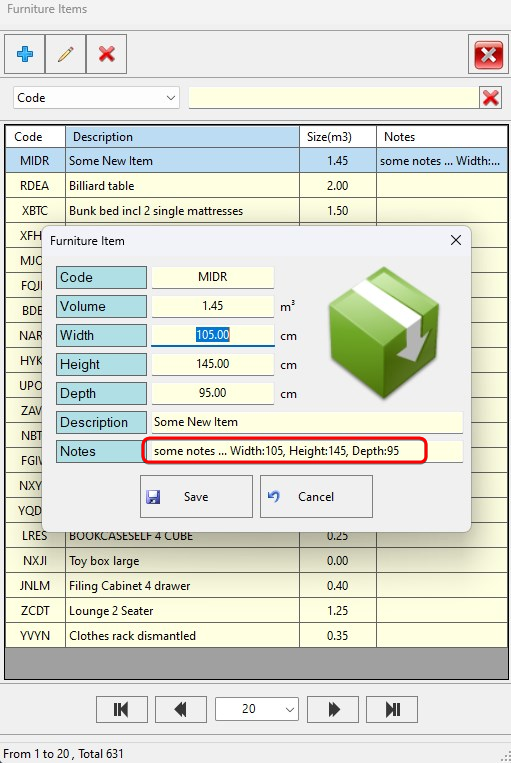
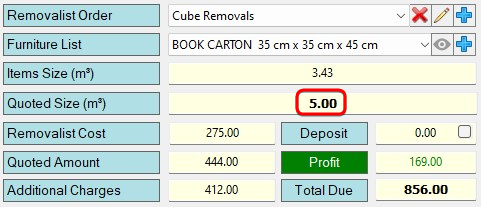
Add a feature to make sure both Workstation and the Server can access the same database version, this will prevent the issues of accessing the wrong database version.
Version 4.0.35
- Fix an issue when sending a removal quote to the client and no email template has been assigned to the user company profile
-
Update database schema
- Add a feature for tracking the Removal Order Deposit timestamp.
-
Remove the date range limit restriction from the Removal Orders report.
- Significant performance improvements and bug fixes.
- It's now possible to close the Removal order screen with saving changes by hitting the 'Save' button, or just click the Escape key or press the `Close` button to close without saving the changes.

Version 4.0.30
- It's now possible to display removal Ledger records for both Confirmed and Unconfirmed Removal Orders
- It's possible now to create a Removal Order with a pickup date older than today's date. This change will fix an issue of editing old Removal order with a pickup date in the past which will lock the screen until fixing the pickup date is equal to today's date or more
- Major fix for exiting the Removal Order screen without saving the changes, it's possible now to edit any Removal Order and do massive changes and even send quotes to the client and Removalist with different values, and simply click the cancel button to keep the existing order state without any change.
Version 4.0.29
Add Version History link to About screen
- Fix a bug in downloading a new Removal Quotation request that was not working.
-
Add the ledger button to the Removal order screen.
Welcome to Storage Manager changelog
Today we've decided to communicate more with our customers, and let you know exactly what we're working on here.
Our new changelog will keep you in the loop not only about bug fixes but everything from brand new features to security updates and all things in between.
Stay Updated
We're looking forward to talking about all our changes, updates and improvements to our service as we move forward. We hope you'll keep an eye on our progress and let us know what you think!
 Powered by ChangeCrab